Justice Audit · Website redesign and rebuild
More to offer. Easier to find.
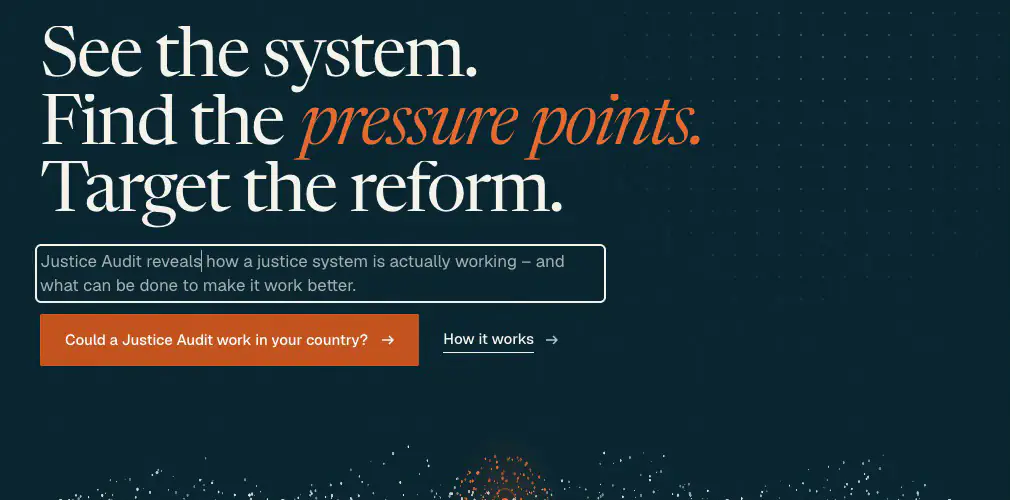
Justice Audit helps governments see how their justice systems really work. Its products and applications had grown beyond its one-page website, so I gave the work a new structure and identity, and built a site its team can edit on the page.
I worked on my own, from the structure and identity to the build, editor and client revisions.
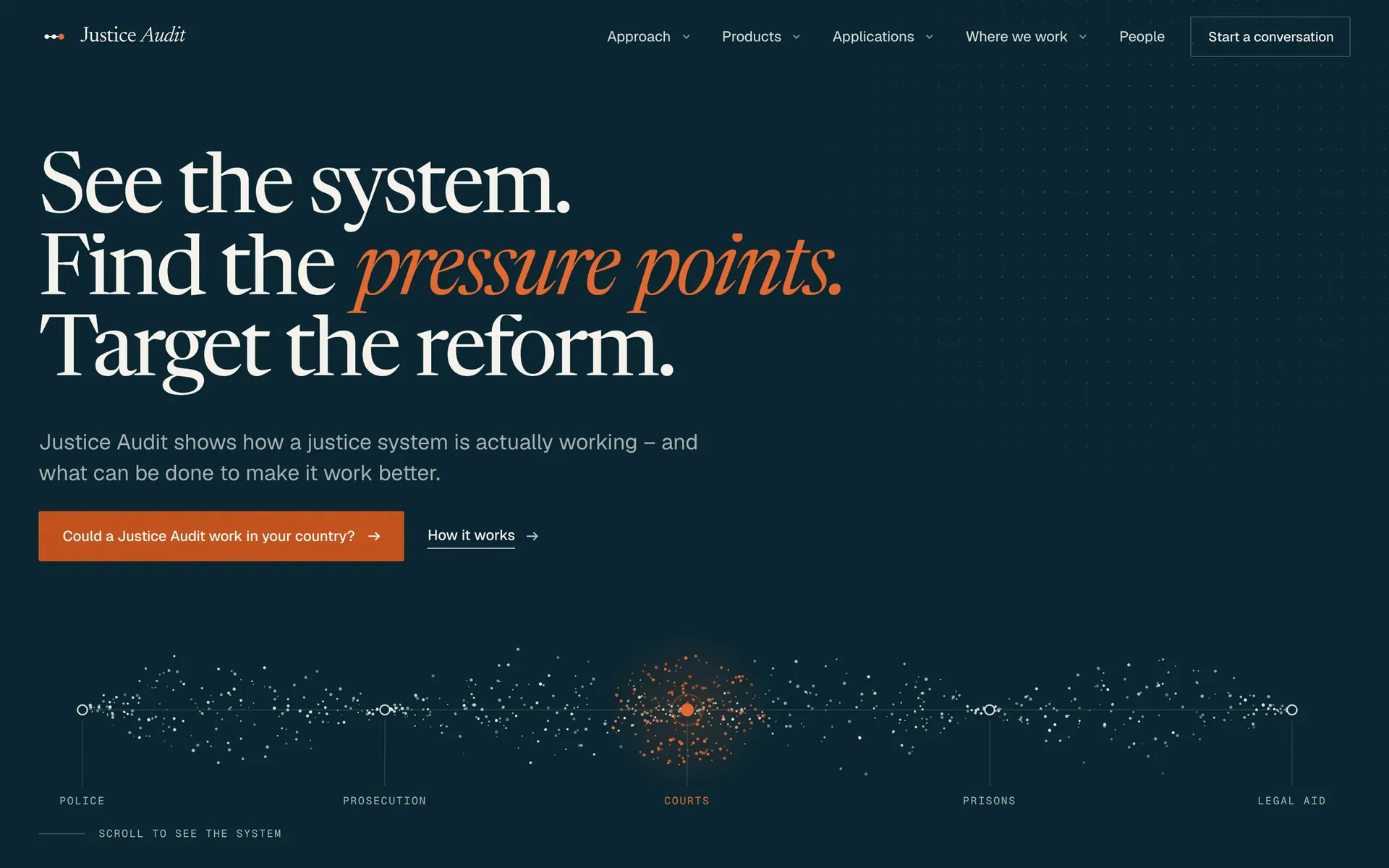
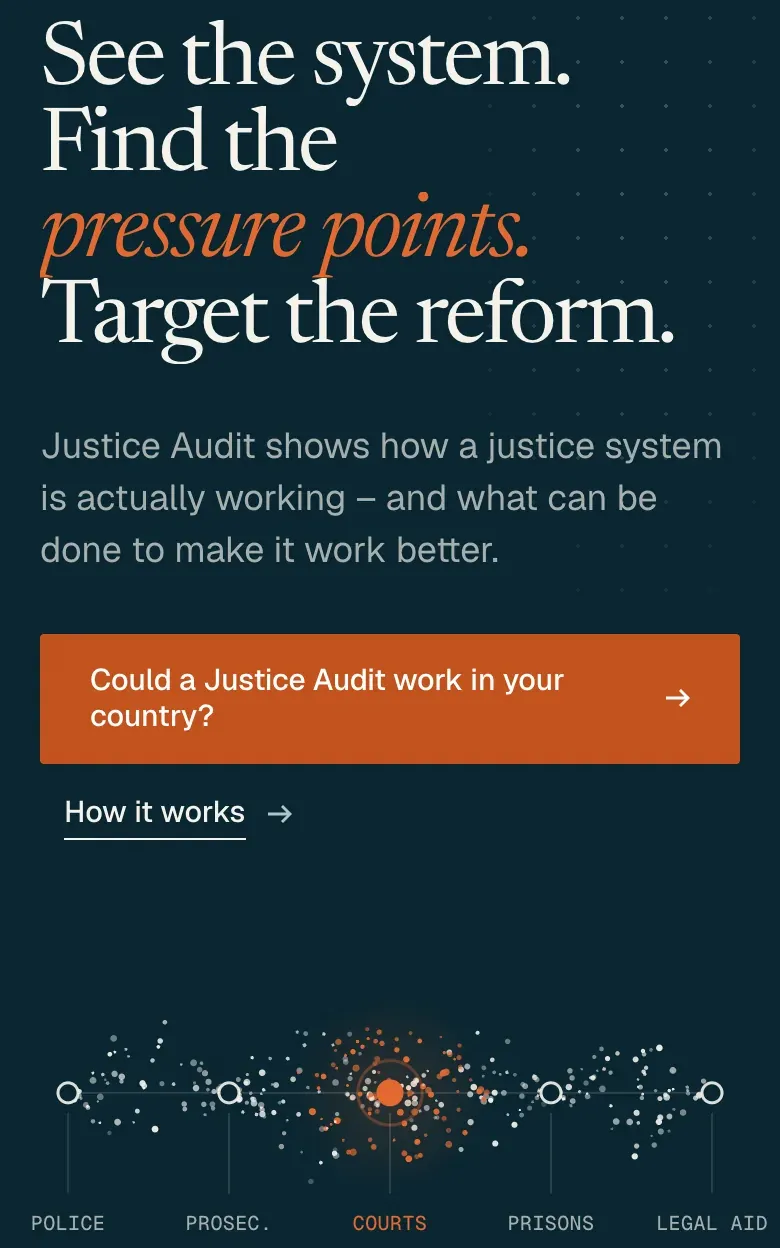
Justice Audit’s home page, framed by corner brackets, with a field of points following the justice chain and gathering in amber at Courts.Justice Audit’s home page on a phone, framed by corner brackets: “See the system. Find the pressure points. Target the reform.” in light type on dark ink, and below it a field of points following the justice chain and gathering in amber at Courts. The home page, running
First, I had to work out what belonged together, and what needed a place of its own.
The whole site · Structure
See how it all fits.
There was a method to explain, products and applications to distinguish, and work and people to show.
I organised the client’s material around the questions a visitor would ask, giving each part a place and a clear connection to the rest.
Open any page below to see it in full, then move through the rest.
4 products5 applications11 countries19 people
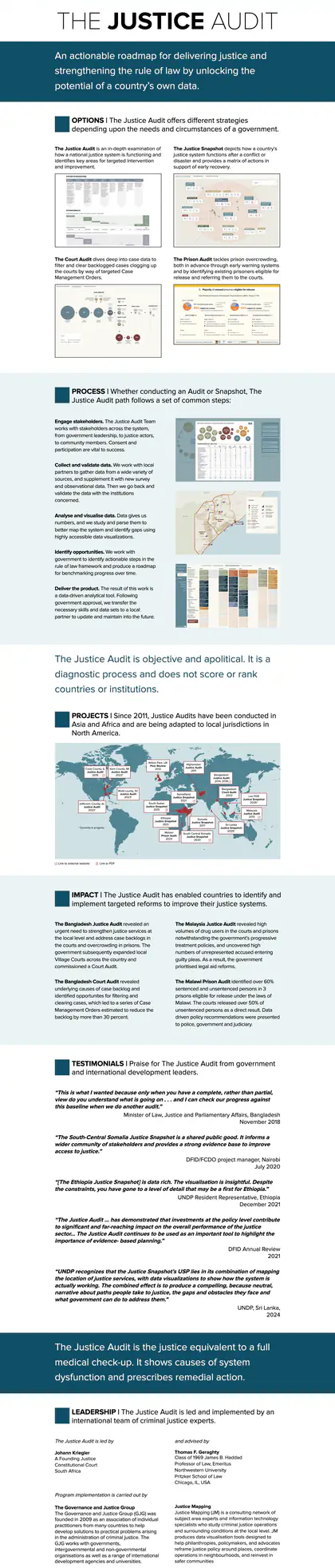
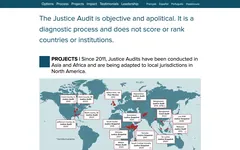
The original page
- Options
- Process
- Projects
- Impact
- Testimonials
- Leadership
The new structure
Home
What is Justice Audit, and where should I start?
Approach
How does the method work?
Products
Which product fits my problem?
Applications
How does it apply to my situation?
Where we work
Where has it been used, and what evidence can I see?
People
Who is behind the work?
Brand
How should the identity be used?
5 of the 18 pages grew from the old page; 13 are new.
The original page beside 18 pages from the new site. The labels show where its sections went. The old page and the small page tops are at the same scale; Home is shown larger. Utility pages aren't shown.
That gave each part a place. But where should someone arriving for the first time begin?
Start with what brought you here.
The brief asked visitors to “select the problem they are trying to solve”.
I put the problem before the product name, so visitors could start with something they recognised.
Choose a problem below. The recommendation changes, and the chain lights up to show what that product examines.
01Choose your problem
What are you trying to solve?
Try another problem
Recommended product01 · Justice Audit
See the whole system.
A comprehensive, evidence-led examination of how a justice system functions – from police station to prison – and what can realistically be changed.
- Police
- Prosecution
- Courts
- Prisons
- Legal aid
- Produces
- Action Matrix and time-bound Roadmap
- Timeframe
- Scoped to each assignment
Recommended product02 · Justice Snapshot
Establish the baseline.
A rapid institutional and system baseline against which reform can be planned and measured.
- Police
- Prosecution
- Courts
- Prisons
- Legal aid
- Produces
- Action Matrix and time-bound Roadmap
- Timeframe
- Rapid – scope and timing agreed for each assignment
Recommended product03 · Court Audit
Identify where cases accumulate.
Case-level analysis of court performance, caseflow and delay.
- Police
- Prosecution
- Courts
- Prisons
- Legal aid
- Produces
- Case Management Orders (CMOs)
- Timeframe
- Scoped to each assignment
Recommended product04 · Prison Audit
Identify lawful release opportunities.
Case-level and institutional analysis identifying drivers of overcrowding, excessive pre-trial detention and opportunities for lawful release or alternatives.
- Police
- Prosecution
- Courts
- Prisons
- Legal aid
- Produces
- Identification of persons eligible for release and policy recommendations
- Timeframe
- Scoped to each assignment
Rebuilt here from the site’s own code, with the client’s wording.
Try it on justiceaudit.org (opens in a new tab)New · “Start with the question you are facing”
Five questions, straight from the brief.
- Could a Justice Audit work in your country?
- Planning justice reform in the first 100 days?
- Preparing for EU accession?
- Examining justice and the investment environment?
- Need to understand court backlog or prison overcrowding?
These also sit at the foot of the site’s pages, word for word from the brief.
A relevant product gives someone a reason to look further. The next question is where it has been used.
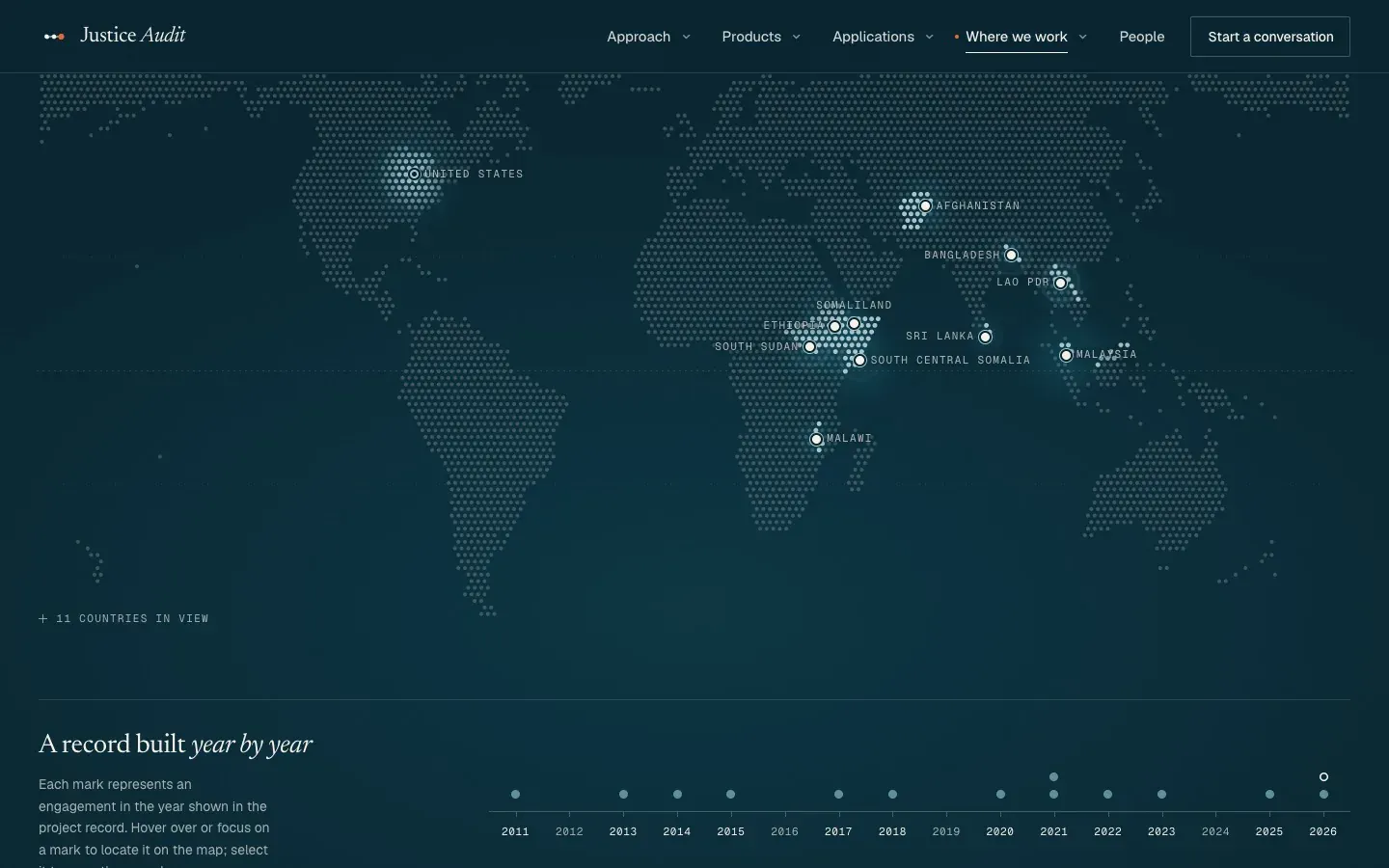
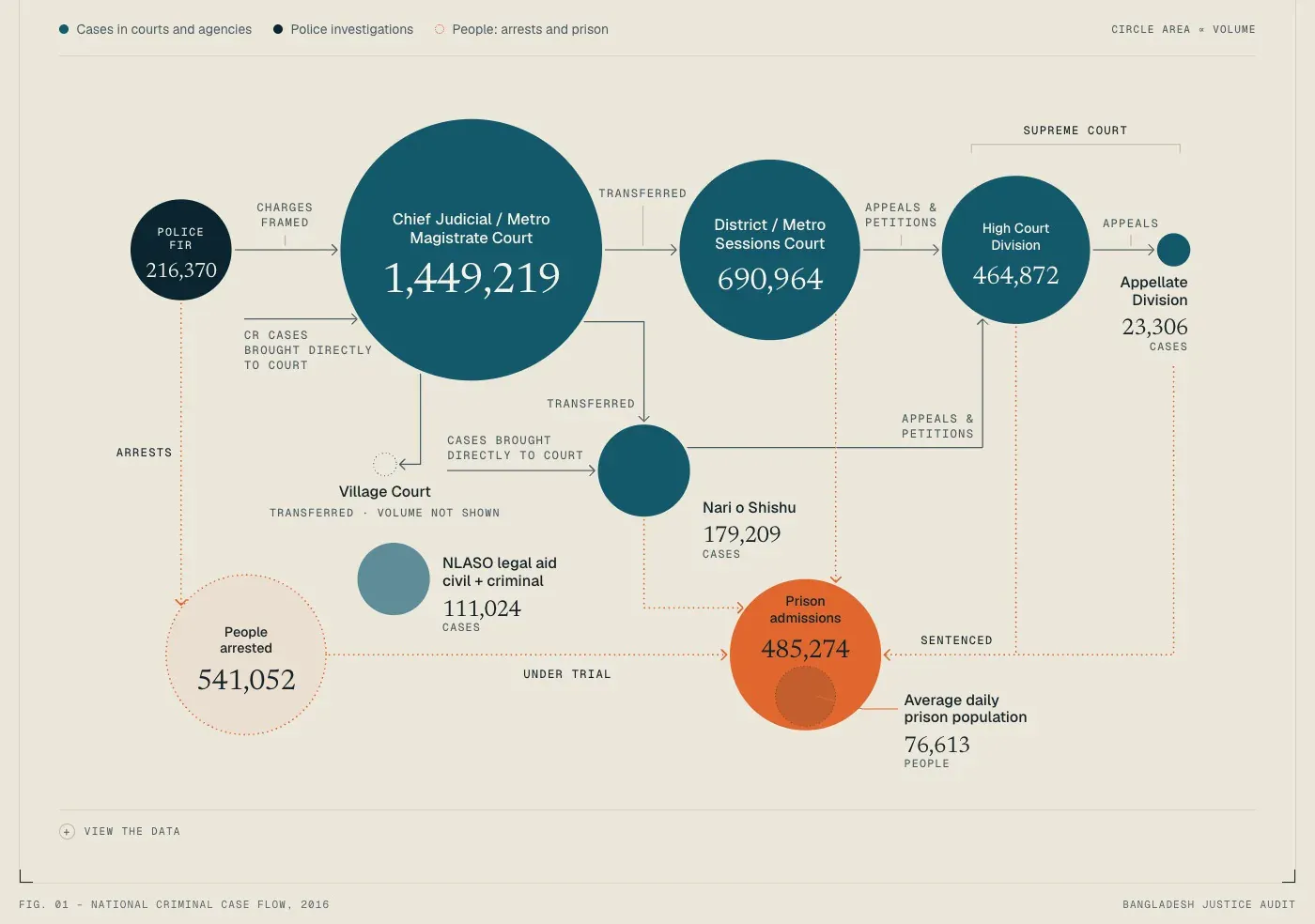
Pick a country. See the work.
The material included country histories, reports and dashboards.
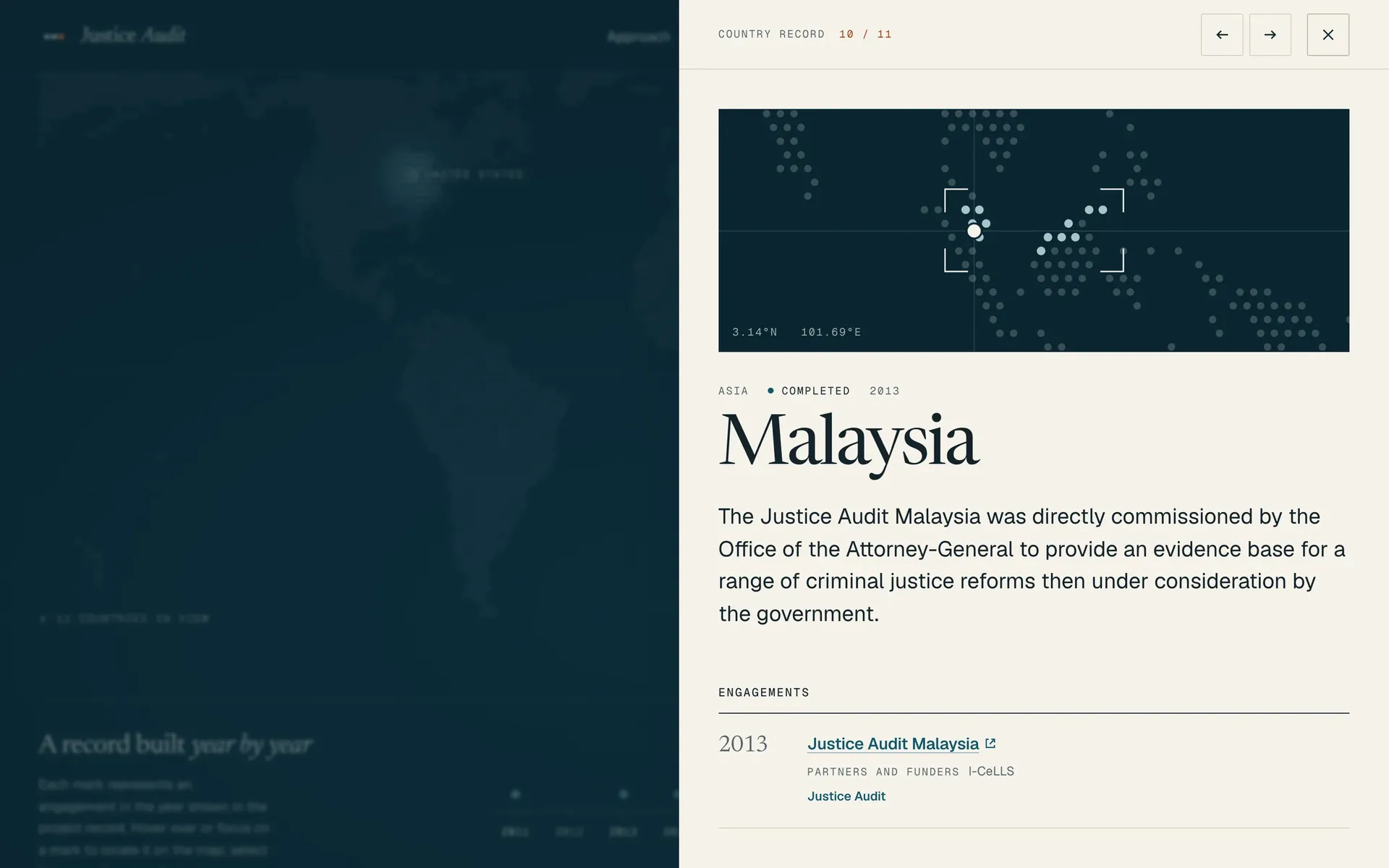
I rebuilt the map from country records, bringing the work and its published evidence together in each record.
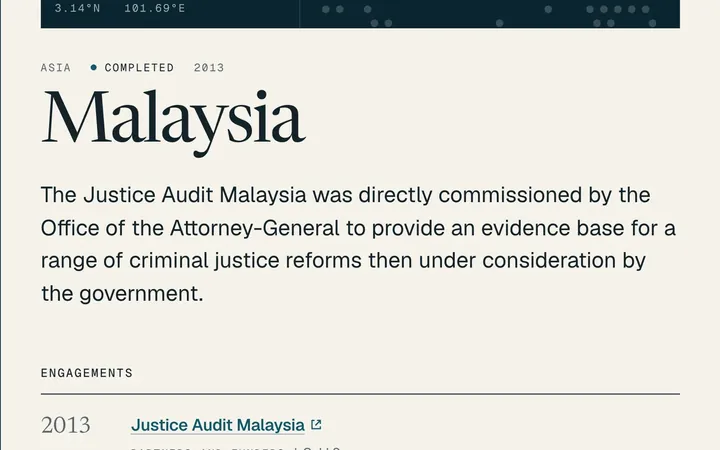
Each country on the map opens its own record: the work, the years and the published evidence.
In the first build, about 1,300 claims were checked against the source data. None was contradicted.
The evidence shows where the method has been used. How do you make the method itself clear?
03 · What is a Justice Audit? / 18 · Brand guidelines
Make the method visible.
The brief asked a newcomer to understand the offer “within approximately two minutes”.
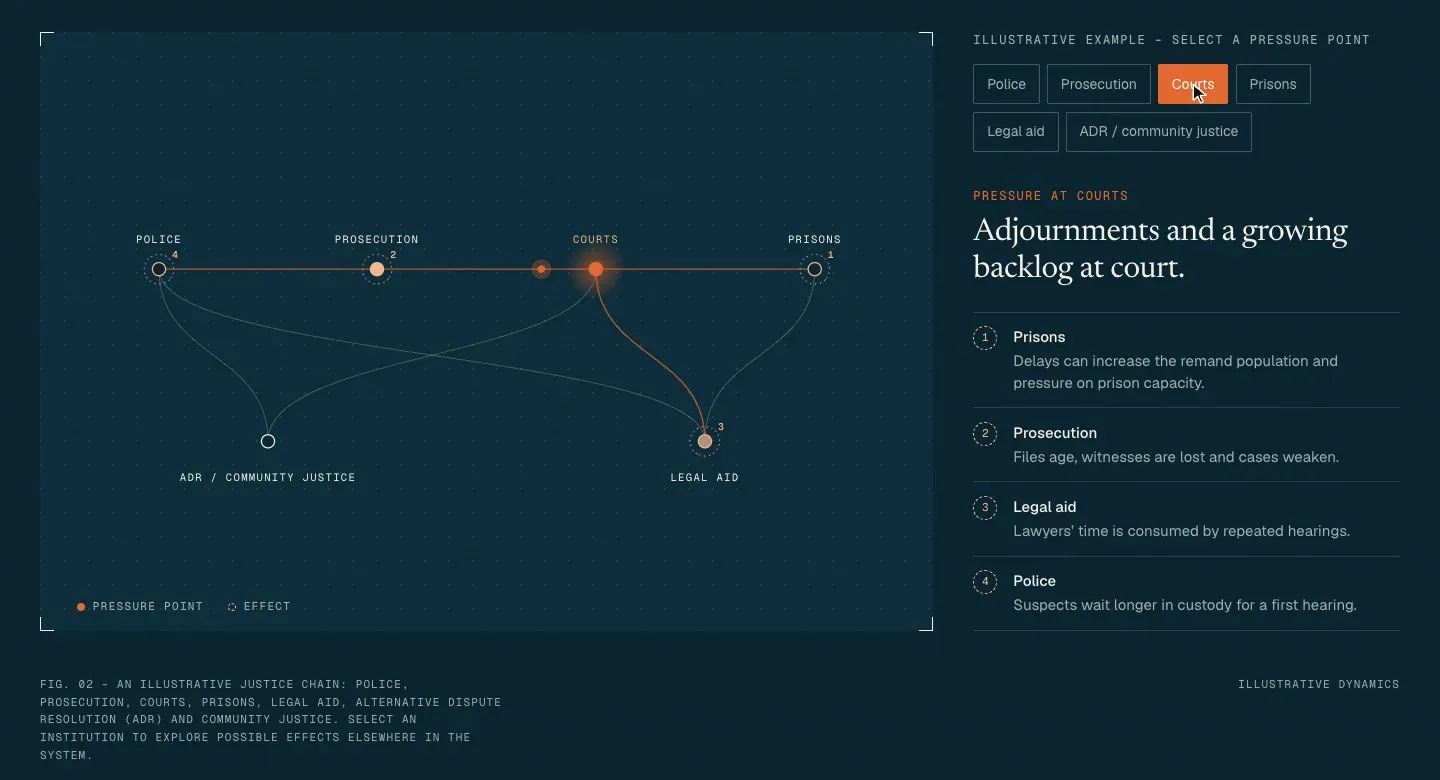
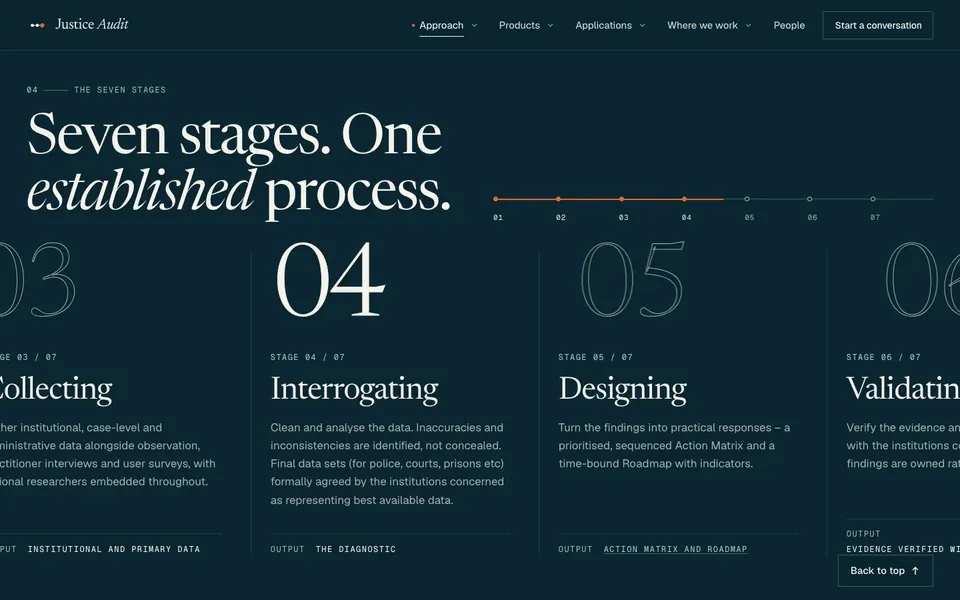
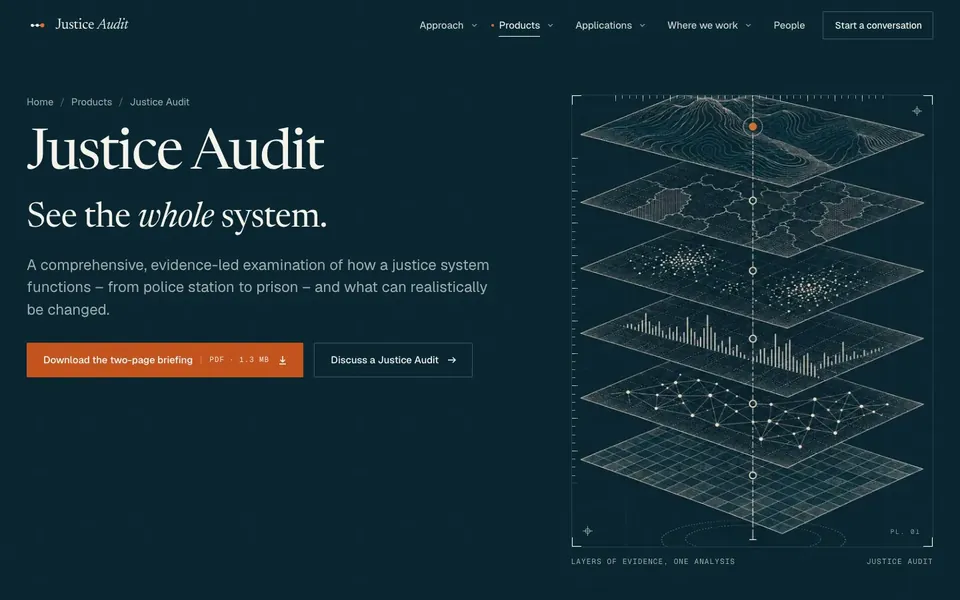
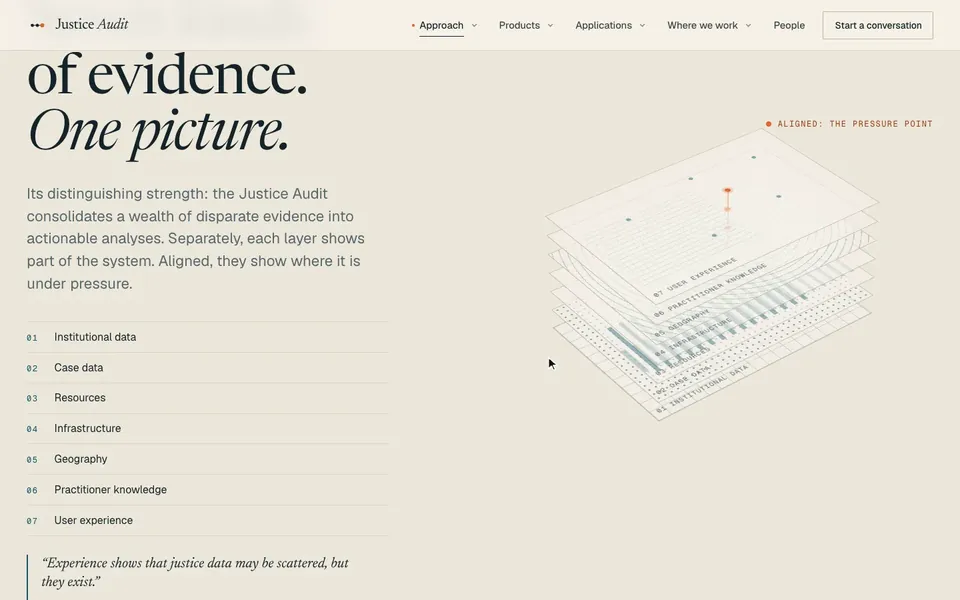
I made the relationships visible: the chain shows how pressure can travel, the stages show the process, and the layers show how the evidence comes together.
Watch the pressure move through the chain, then look at the process, the illustration and the evidence layers below.
How pressure travels
The process, stage by stage
![The seven stages of a Justice Audit in a row, with stage 04, Interrogating, in focus.]()
The stages unfold in order as the page scrolls. Recorded on the new site The identity, in motion
![An engraved plate of stacked layers of evidence on a drafting grid, with an amber point at its top.]()
An illustration from the series, art-directed to a shared brief and traced so it draws itself. Recorded on the new site The evidence, brought together
![Seven planes of evidence stacked into one picture, with the pressure point marked.]()
Different kinds of evidence align into a shared view. Recorded on justiceaudit.org
The new identity ties the products, applications, country records and people together. It grew from the brief’s line: “See the system. Find the pressure points.”
The brackets frame what matters. Amber marks the pressure point. The same idea carries through the diagrams and illustrations.
The work will keep growing. Who keeps the website in step with it?
Behind the pages · Editing
Theirs to run.
They asked for a CMS.
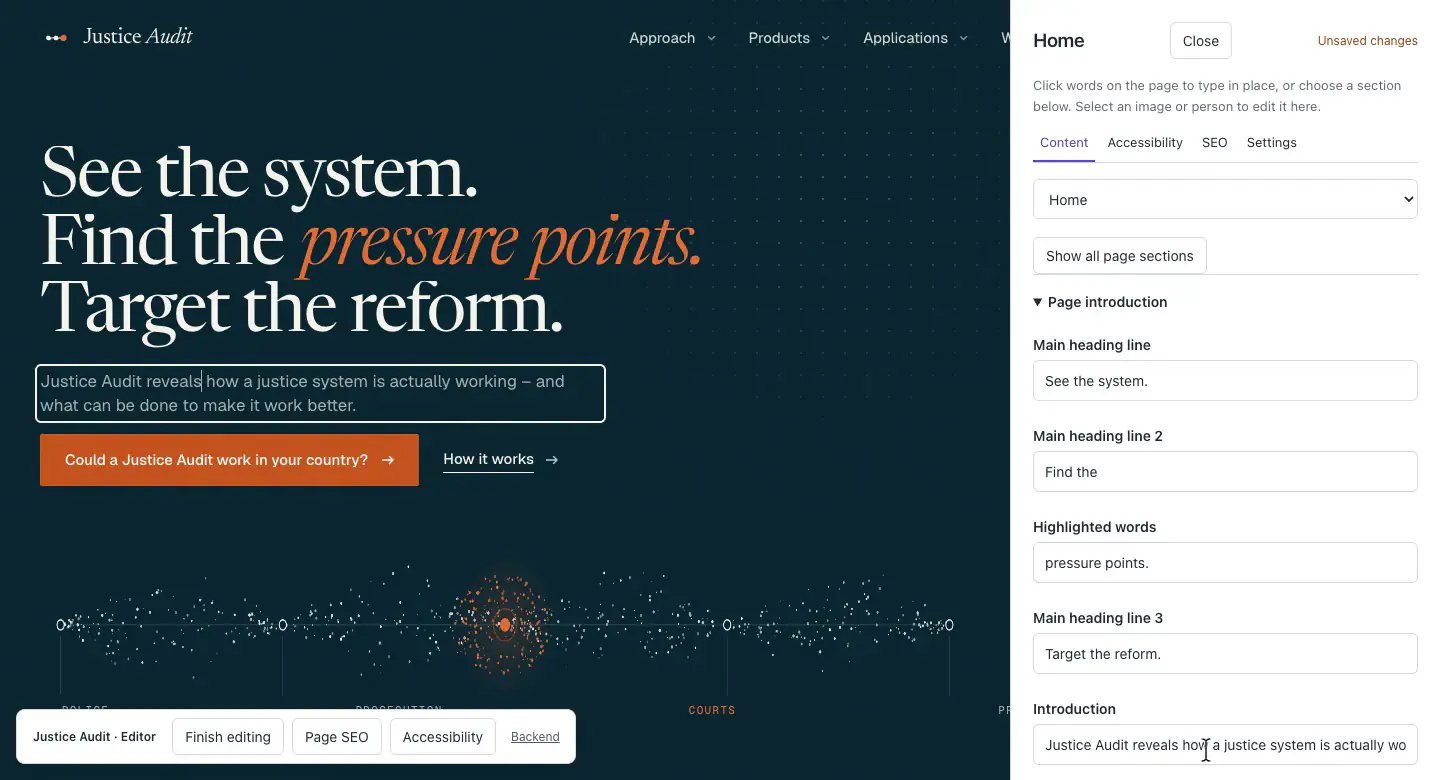
I built the page-first editor and Edit on page on top of Statamic, so their team can work from the page they recognise.
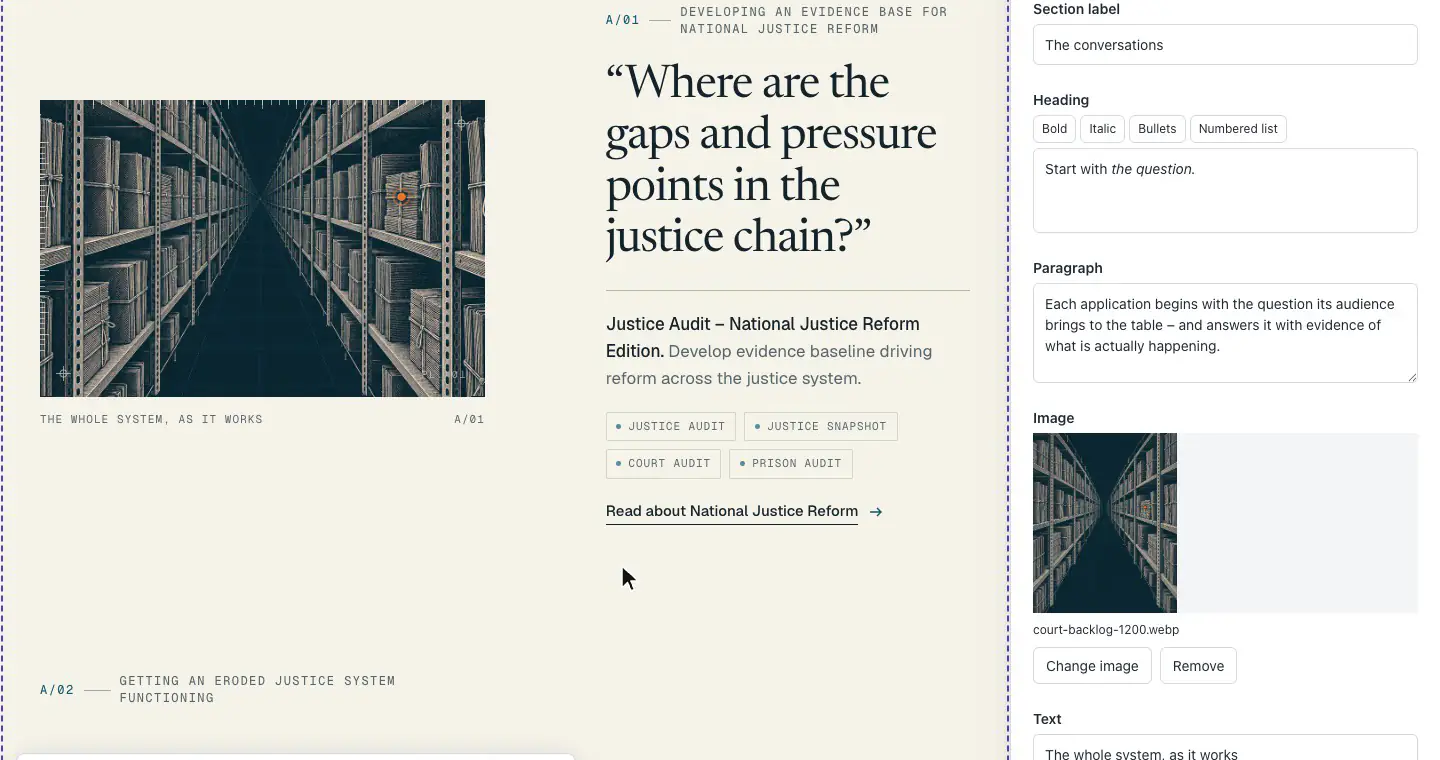
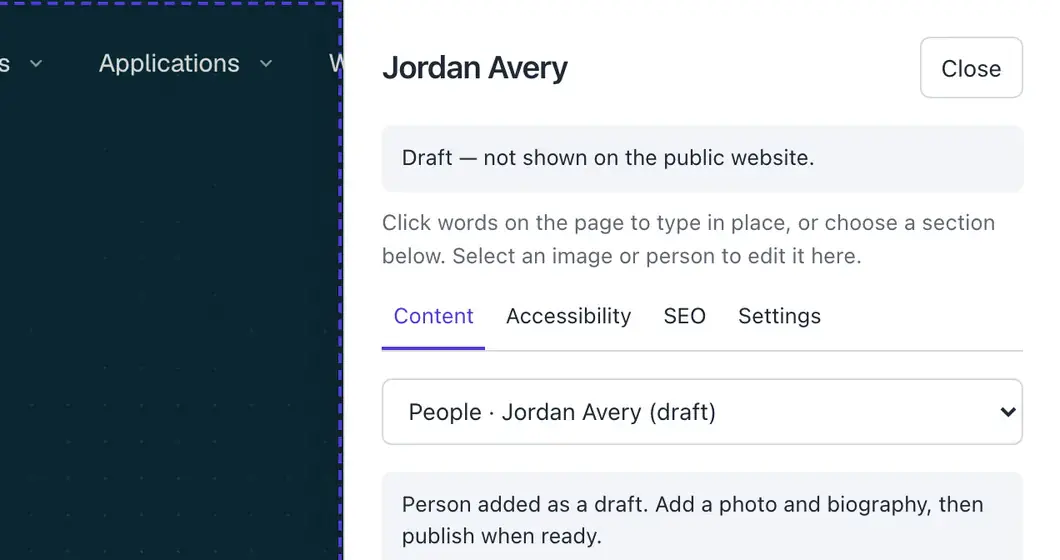
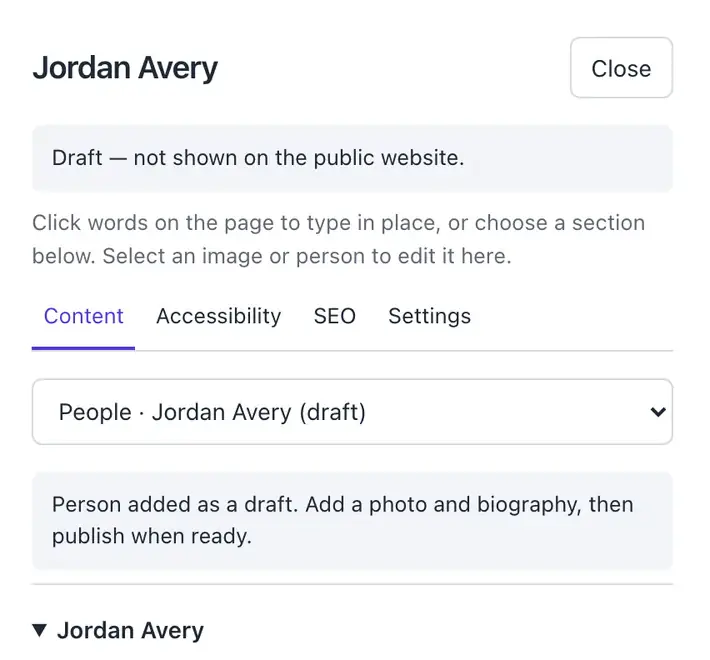
Their team can change words, swap images and add people on the page itself. A new person starts as a draft, hidden from the public site.
Watch a text edit, an image swap and a draft profile being added.
Click the words. Type.
Country records sit behind the map, so the team can add work as it grows.
The site has room for the work they do now, and a way to keep up with what comes next. What does yours need to explain?
Your website · Next
Has your work outgrown your website?
I start by working out what needs explaining, then build the site around it.
Tell me what you do now, and what your website needs to explain.
